What is included.
- 01Email, phone and Access requests in one support queue
- 02Troubleshooting for supported devices and applications
- 03Agreed response targets and escalation procedures
- 04Ticket progress and service history in your portal
- 05Repeatable onboarding and offboarding procedures
- 06Coordination with vendors and technical specialists
How we deliver.
Define the support model
We confirm eligible users, supported systems, common request types, priority rules, approvers and the specialists used for escalation.
Prepare the service
We establish contact routes, user and device information, access methods and support procedures before introducing the service to your team.
Resolve and improve
Every request has an owner and a history. Repeat issues are separated from one-off requests so the underlying cause can be corrected.
Work your help desk from your AI.
Connect Claude, ChatGPT or another MCP app to myALCO MCP, and your team can review and update help desk requests without leaving the conversation.
See what is open
Ask for your open requests and get a plain summary of each one, and of anything ALCO is waiting on from you.
Open a request
Describe the problem in your own words. The AI drafts the request for your company and shows it to you before it is sent.
Reply and update
Add a reply or new details to a request. It goes into the normal help desk, with the usual notifications, so the engineer working it sees it straight away.
Each person, their own access
Everyone connects with their own myALCO sign-in, so the AI only sees the requests that person is allowed to see. It cannot read staff-only notes or reach another company's tickets, and a connection can be revoked at any time. A person still answers every call, around the clock.
Who this service supports.
- 01Employees are unsure where to ask for help, or rely on messaging one technical person.
- 02Requests involve several vendors and need one coordinator to keep users informed.
- 03A lean internal team needs dependable user support without losing visibility or escalation control.
Agreed responsibilities
Supported users, devices, applications, hours, priorities and escalation paths are agreed before the service starts. Projects, development work and third-party outages can still be coordinated through the queue, but they are identified separately from what the Help Desk resolves directly.
Related services.
Business IT support in Caldwell and across Idaho
Staff cannot tell who owns the problem
A printer, sign-in or business application issue can involve several vendors. Define one intake route and who coordinates the handoffs.
The same interruption keeps coming back
Repeated Wi-Fi, access or device issues need a record of symptoms and changes, so the next request starts with context rather than another guess.
What to bring to the conversation
Tell us your headcount, locations, devices and main applications. We confirm supported users and systems, hours, priorities and escalation responsibilities. ALCO is headquartered in Caldwell; technicians serve all Idaho, with Treasure Valley and Rexburg–Idaho Falls service areas. On-site work is scheduled.
An illustrative engagement
Illustrative example: a Caldwell business adds an employee who needs email, a workstation and access to shared files. A support plan could define the approver, supported device, access checklist and completion record. This describes a possible engagement, not a reported client result.
What affects the cost?
The systems and locations included, technical complexity, current condition, access, migration work and continuing support responsibilities all affect scope. We confirm the work and price in a written proposal.
One-time project or ongoing support?
A project defines a particular outcome and handover. Ongoing support defines continuing coverage. We can discuss either, including working alongside an existing IT employee or provider.
Keep the handover clear
Identify owners, authorized access, current contracts, documentation and acceptance checks before changes begin. An introductory conversation helps define the work; it is not a completed assessment.
Provider handover checklistExisting signed agreements control their scope and commitments. ALCO’s published standard terms do not silently replace them. Read the standard service terms, including client-owned credentials, data and transition responsibilities.
Before you choose a service.
Can you help a small business without an internal IT team?
Yes. We review the systems and responsibilities before proposing support, so you know what ALCO handles and what remains with your software vendors or staff.
Can you work alongside our current IT person?
Yes. We can scope employee support and escalation around your existing team, with approval rights and technical ownership documented.
Is an on-site visit always necessary?
Many requests can be handled remotely. When hands-on work is needed, we coordinate a scheduled visit; the agreed service scope determines coverage.
Will changing providers disrupt our work?
A transition needs an inventory, approved access, a cutover window, acceptance checks and a fallback plan. We discuss likely interruption and dependencies before agreeing the work; no migration is assumed to be disruption-free.
What if we still have an agreement with another provider?
Check its notice dates, ownership provisions and handover obligations with the appropriate decision-maker. ALCO can help identify technical dependencies, but a new enquiry does not cancel your agreement or authorize removing the current provider.
How do we avoid losing access when switching?
Inventory the domain, email, hosting, backups, licenses and their authorized owners before the handover. Transfer documentation and approved access securely, check critical workflows and obtain approval before removing old accounts or canceling dependent services.
Can remote support work for our business?
We review the systems, users and access needed before agreeing coverage. Many tasks can be handled remotely; hardware or site-specific work may need a scheduled visit. Our headquarters and office are in Caldwell, with technicians serving Idaho and scheduled on-site work within agreed scope.
From a client’s experience.
“Adam at ALCO USA has been our go-to for everything IT-related at Learning How 2 Live”
Read the Learning How 2 Live project · More client experiences
Employee onboarding IT checklist
Use this before a new colleague starts. Share the checklist with the person approving access and the person setting up the equipment.
- Confirm the start date, role, manager and who can approve access.
- List the mailbox, shared files, business applications and groups the role needs. Keep access limited to the job.
- Prepare the computer, updates, endpoint protection and recovery details before handing it over.
- Set up multifactor authentication through an approved method; never send passwords in an introduction email.
- Test sign-in, email, file access and essential applications, then document who handles support.
- Keep a matching offboarding checklist: disable access, recover equipment and transfer business-owned files when someone leaves.
Switching IT providers: a handover checklist
Use this to plan an authorized transition. Check your existing agreement and notice requirements before changing providers or access.
- Confirm the current contract, notice dates, termination obligations and who is authorized to approve the transition.
- List the domain, DNS, email tenant, hosting, backups, software licenses and equipment. Record the business owner and current administrative contact for each.
- Agree which responsibilities transfer, which stay with another provider and which are outside the new support scope.
- Request an orderly handover of documentation, asset records, configuration and approved access through a secure channel; never request passwords by ordinary email.
- Plan overlapping support, necessary changes, a cutover window, recovery checks and staff communication before removing the existing provider.
- Validate access and critical workflows, reconcile open issues and obtain approval before revoking old accounts or canceling dependent services.
Explore ALCO
- New · Headless CMS
Your site, managed by your AI.
WordPress in the back, a hand-built front end in the front, and myALCO MCP, which Claude or ChatGPT can connect to. Tell it what to change.
See how it works - The client area
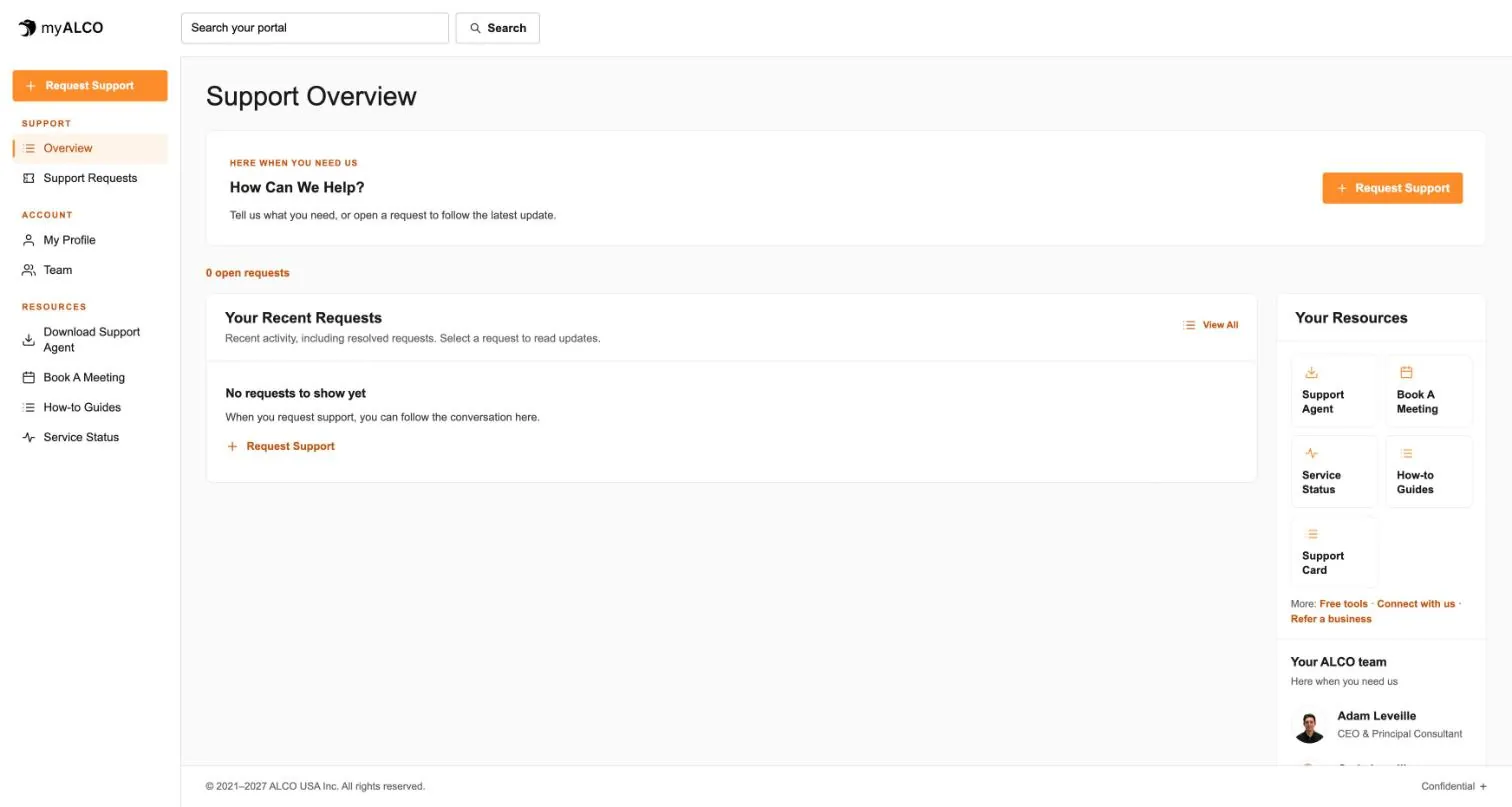
Everything ALCO does for you, in one place.
Requests, your team, invoices, documents, shared credentials and sign-in security. One sign-in, any device. Take the tour.
Tour myALCO - New · Our work
See the sites we have built.
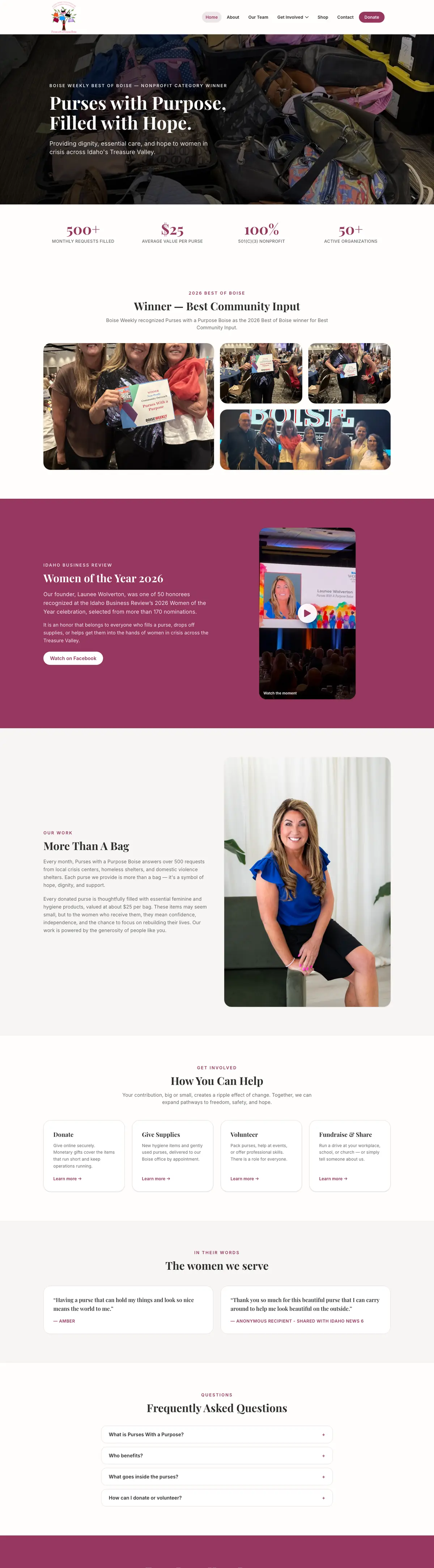
A newspaper rebuilt headless, a parts storefront, two Boise nonprofits, a crochet brand and our own site. Every screenshot is the full page, scrolling live.
Browse our work