- 1 tag
- on every managed device
- QR
- scans straight to support
- Serial
- model, warranty, user, location on file
- Wiped
- and recorded when a device retires
The record behind the tag.
- 01
Owner and assigned user
Which company owns it and which person has it today. Updated when it changes hands.
- 02
Model and serial
Make, model, serial number and specs, read from the device itself by our management agent, not typed from a box.
- 03
Purchase date and warranty
When it was bought, from whom, and when the warranty or AppleCare ends. We know before you do.
- 04
Location
Which office, which desk, or which home. Useful the day a laptop goes missing.
- 05
Software and licenses
Operating system, installed applications and the licenses assigned to the device, so renewals and audits are a report, not a scramble.
- 06
History
Every support ticket, repair and reassignment linked to the asset ID, visible in myALCO.
From purchase to retirement.
- 1
Procure
We spec and buy it, or you do. Either way it is recorded before it is unboxed.
- 2
Tag and enroll
The asset tag goes on, the management agent goes in, the record is created.
- 3
Deploy
Set up, secured and handed to a named person. Onboarding checklists reference the asset ID.
- 4
Support
Tickets, repairs and loaners all tie back to the ID. Scan the QR to open a request.
- 5
Refresh
Age and warranty dates drive a replacement plan you can budget for, not a surprise.
- 6
Retire
Data wiped, wipe recorded, device recycled or resold, record closed. The certificate is in myALCO.
Why bother with a sticker.
The lost laptop
You know what it was, who had it, what was on it and that it was encrypted. Then it is wiped remotely and the record says so.
Audits and insurance
A cyber insurer or an auditor asks for your device inventory. It is a report, with serials, not a spreadsheet from 2023.
Budgeting
You can see what is four years old and out of warranty, and plan replacements a year ahead.
Onboarding and offboarding
A new hire's kit is listed before day one. A leaver's kit is collected against a list, nothing forgotten.
Support that starts with context
Scan the tag and the help desk already knows the device, its history and who is calling.
It is tied to the help desk
Asset records live alongside tickets and documents in myALCO. One system, not a separate tool nobody updates.




Questions people ask.
Is this included with the help desk plan?
Yes. Every device under the help desk plan is tagged and tracked. It can also be done as a one-off inventory project.
What is on the tag?
The ALCO mark, the words ASSET ID, the number, a QR code and the support contact. No company name or user name, so a lost device does not advertise whose it is.
What does the QR code do?
It opens ALCO support for that device. Staff can scan it to open a request without finding a phone number or a serial.
Can we see the inventory?
Yes. Your asset list is in myALCO with the fields above, exportable when the insurer or the accountant asks.
What about devices that are not computers?
Phones, tablets, monitors, printers, switches, access points and cameras can all be tagged and tracked. Anything with a serial number.
What happens to data when a device retires?
It is wiped to a documented standard, the wipe is recorded against the asset ID, and the record is closed with the date and the method.
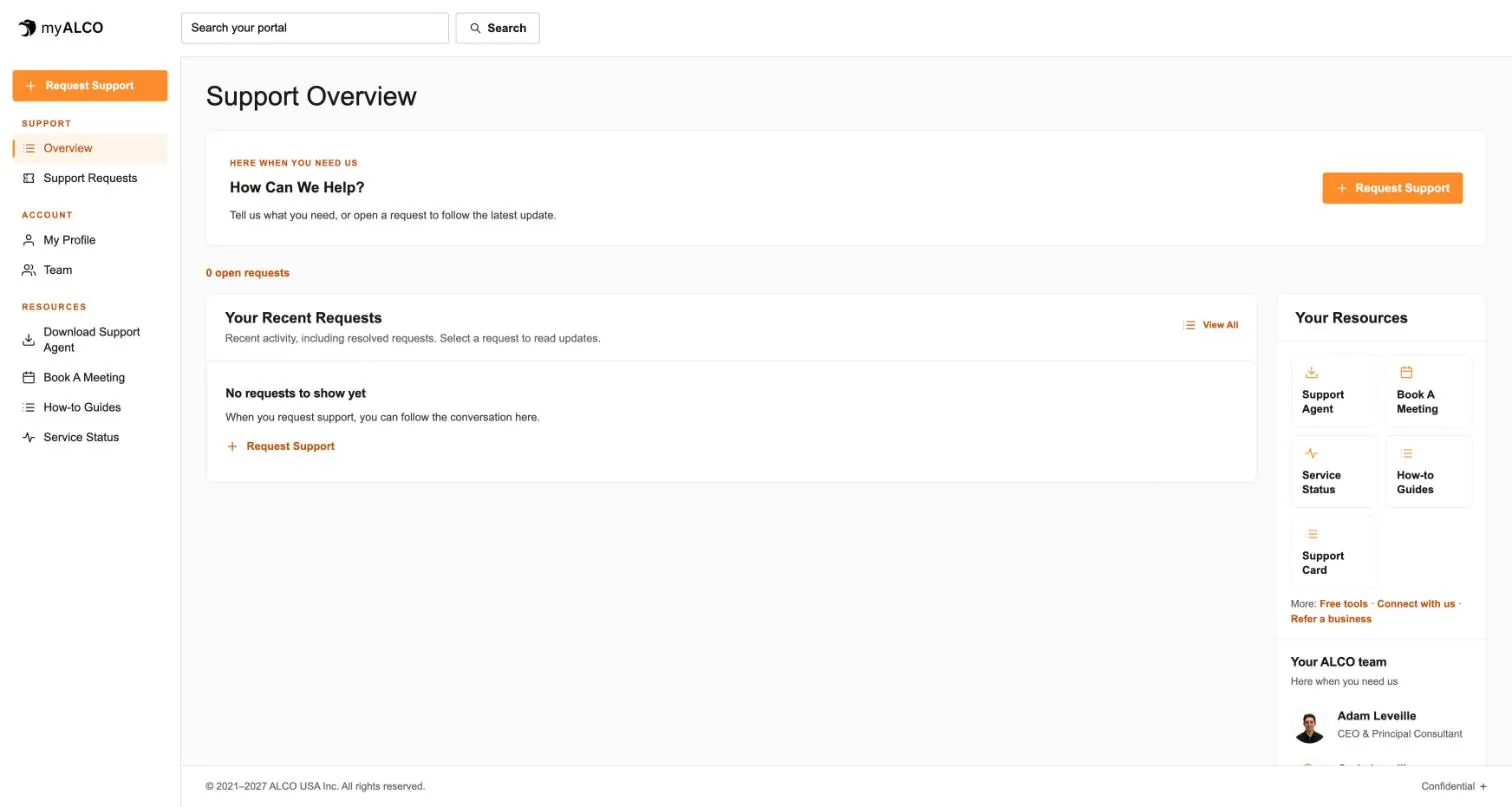
- The client area
Everything ALCO does for you, in one place.
Requests, your team, invoices, documents, shared credentials and sign-in security. One sign-in, any device. Take the tour.
Tour myALCO - New · Our work
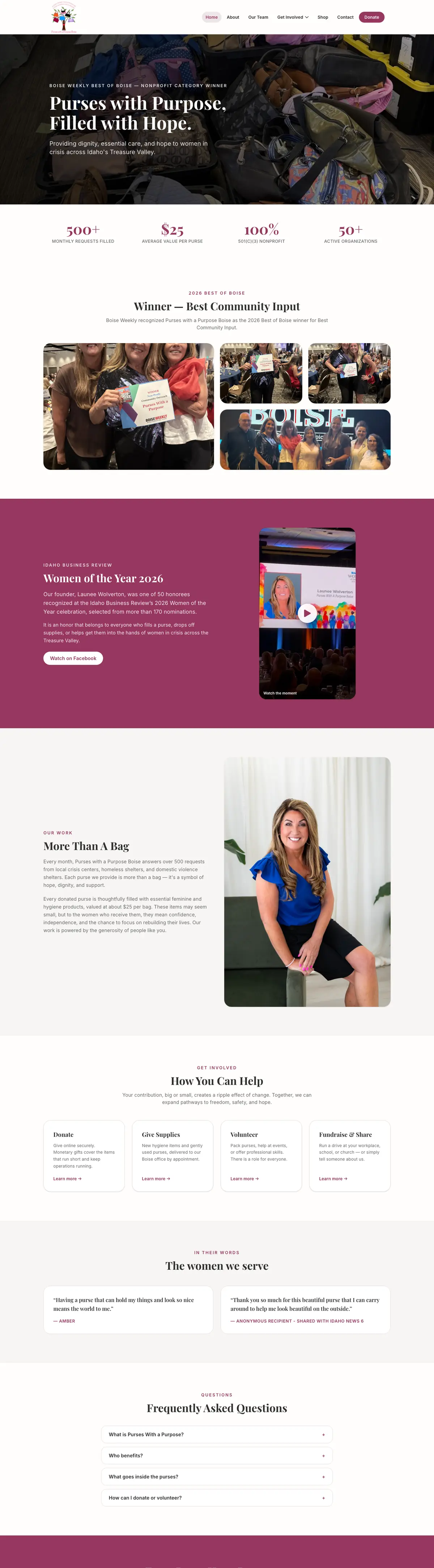
See the sites we have built.
A newspaper rebuilt headless, a parts storefront, two Boise nonprofits and our own site. Every screenshot is the full page, scrolling live.
Browse our work


Clients we’ve worked with
We’ve worked with businesses, nonprofits and community organizations on managed hosting, website development and everyday IT support. These are some of the current and past clients we’ve supported, each with different systems, priorities and people. Explore their stories to see what working with ALCO looks like.