- 0
- lost messages: both systems live until the switch
- 1
- date you choose for the cutover
- 3
- destinations: Workspace, Microsoft 365, ALCO hosting
- Written
- plan and rollback before anything moves
What is included.
What ALCO does for you under migration, in plain terms.
Email, calendars and contacts
From Exchange, an old host, Gmail or Microsoft 365 to Workspace or 365, with history, folders and shared mailboxes intact.
Files and permissions
File servers, Dropbox, Box and personal drives moved to SharePoint, OneDrive or shared drives, with who-can-see-what mapped rather than reset to everyone.
Servers and applications
Accounting, databases and internal apps moved to the ALCO server or the right public cloud, after the vendor and the dependencies have been checked.
Websites
WordPress and custom sites moved to ALCO managed hosting behind Cloudflare Enterprise, with DNS switched cleanly and nothing left pointing at the old host.
Dependency mapping
The printer that scans to email, the app that needs the old file path, the integration nobody remembers. Found before cutover, not after.
Rehearsal and pilot
A pilot group lives on the new system first. Problems are found by five people, not fifty.
Cutover and rollback
A window you approve, a checklist we follow, and the old system kept running until you say so.
Identity and security from day one
MFA, admin accounts, sharing settings and backups set up on the new platform before the first user lands.
Training and the first week
Short sessions for staff, cheat sheets, and the help desk ready for "where did my folder go?"
How it works.
Four steps, each one written down as we go.
- 1
Discover
We inventory accounts, data, apps, integrations and the things only one person knows about. You get a plan with a date.
- 2
Prepare
The destination is built and secured. Data starts copying in the background while everyone keeps working.
- 3
Pilot and cut over
A pilot group goes first. Then the agreed window: final sync, DNS switch, checks on everything on the list.
- 4
Settle and hand over
The old system stays for a while, the team gets support, and you get the documentation and the keys.
Who this is for.
The office with a server in the corner
It is out of warranty, nobody wants to touch it, and it holds everything. That is the migration we do most.
Switching between Google and Microsoft
Either direction, mail and files and all, with both platforms live until the switch.
Sites on a host you do not trust
Slow, unbacked-up or on a provider that answers tickets in days. ALCO hosting is one server we own and watch every minute.




Questions people ask.
Will we lose any email?
No. Mail is copied ahead of time and synced again at cutover, and both systems receive until the switch is confirmed. Every migration ends with a reconciliation count.
How long does it take?
A small business mail and file move is typically a few weeks from first call to cutover, most of it background copying. Servers and applications depend on their vendors, and we tell you that up front.
Can staff keep working during it?
Yes. The copying happens in the background. The only visible moment is the cutover, which is scheduled outside hours.
What if something goes wrong?
The old system is kept running and the rollback is written down before we start. We have rarely needed it, but it is there.
Do you move us to Azure or Google Cloud too?
Where a workload genuinely belongs there, yes. For most small-business servers the ALCO server is simpler and cheaper, and we will show you both numbers.
- The client area
Everything ALCO does for you, in one place.
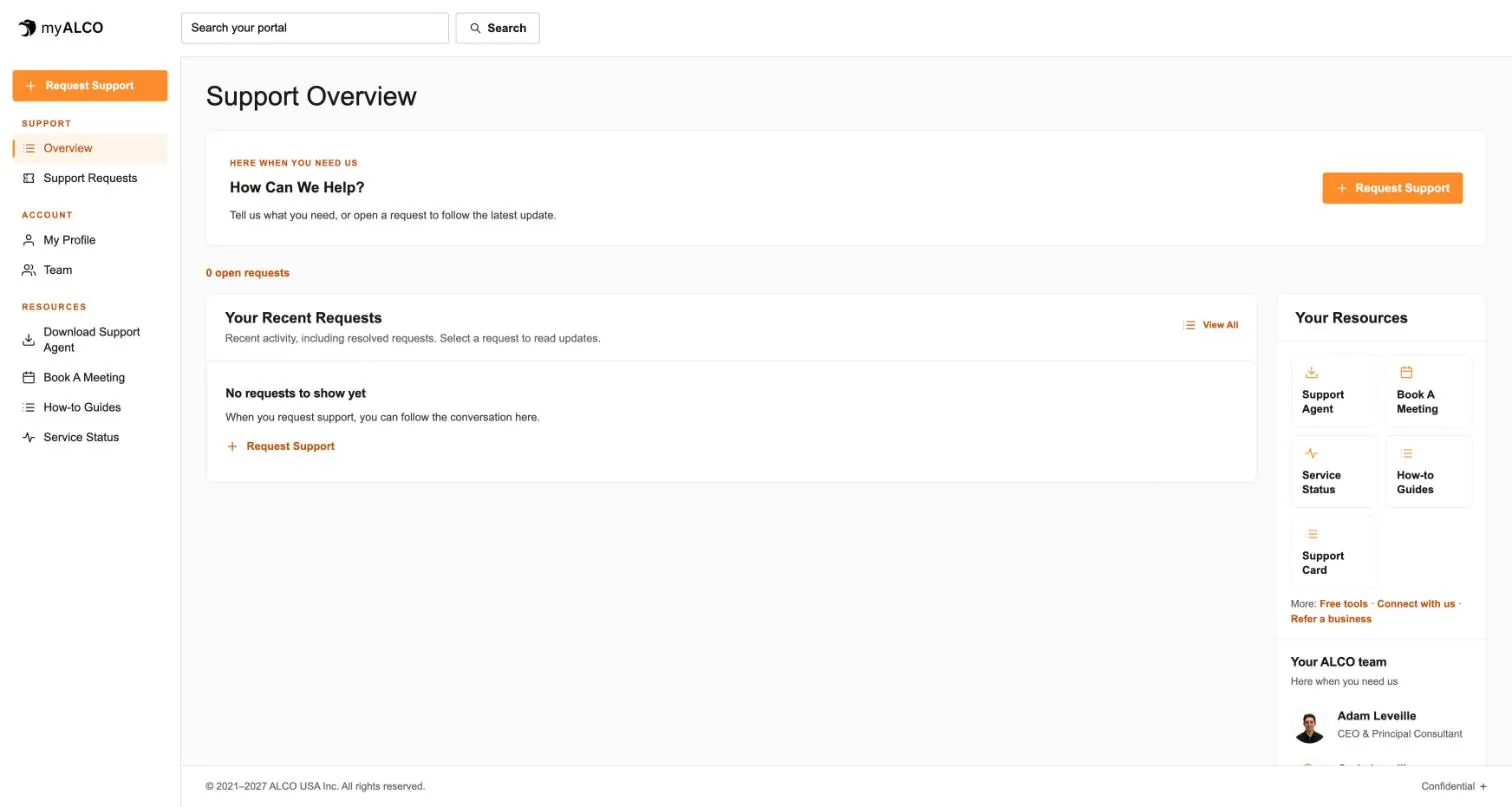
Requests, your team, invoices, documents, shared credentials and sign-in security. One sign-in, any device. Take the tour.
Tour myALCO - New · Our work
See the sites we have built.
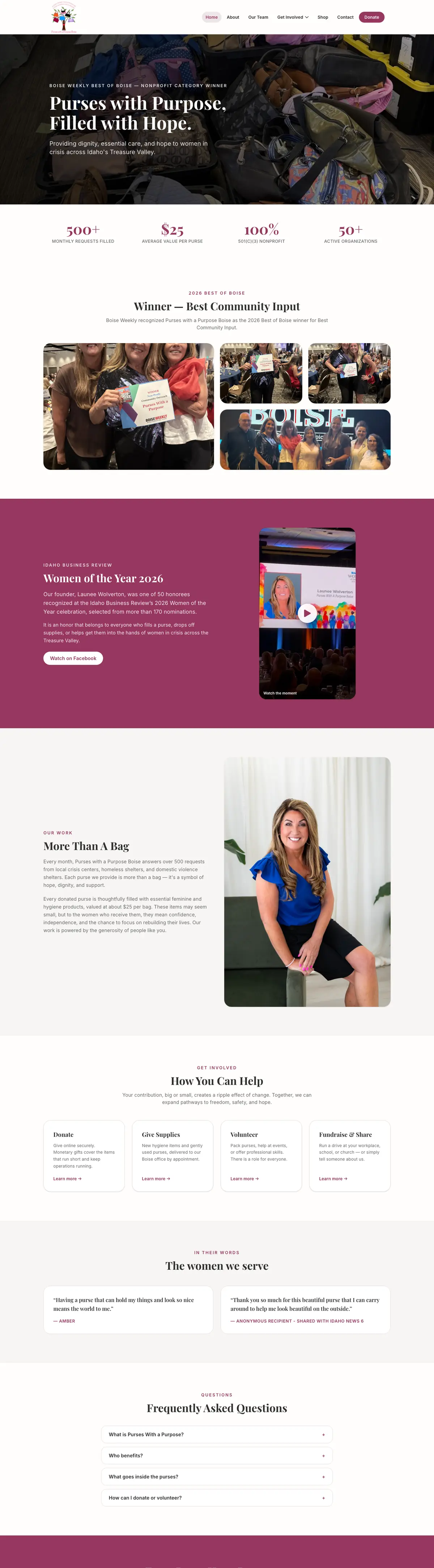
A newspaper rebuilt headless, a parts storefront, two Boise nonprofits and our own site. Every screenshot is the full page, scrolling live.
Browse our work


Clients we’ve worked with
We’ve worked with businesses, nonprofits and community organizations on managed hosting, website development and everyday IT support. These are some of the current and past clients we’ve supported, each with different systems, priorities and people. Explore their stories to see what working with ALCO looks like.