- Free
- video library, open to everyone
- Plain
- English, no jargon
- Yours
- to share with every new hire
- Short
- sessions built around how your team actually works
What is included.
What ALCO does for you under training, in plain terms.
The Learning Center
Free short videos on alcohq.com: faked email, domain ownership, DNS, breach letters, checking a website before you click. Watch them today; no account needed.
New-hire onboarding
A session or a recorded walk-through for every new starter: email, files, phones, the password manager and who to call. Day one, not month three.
Phishing and security awareness
What the scams look like now, how to check, and what to do when unsure. Paired with simulated phishing so the lesson is tested.
Google Workspace and Microsoft 365
Shared drives, Teams, calendars, sharing a file safely, finding what you lost. Taught the way your company has it set up, not from a generic deck.
Password manager rollout
1Password for the whole team: the session that gets everyone actually using it, with the "where did my passwords go" questions answered live.
When something changes
New phone system, new laptop, new policy. A short session or a two-minute video so nobody is left guessing.
Recorded for later
Sessions for your team are recorded and kept in your myALCO area, so the next hire gets the same lesson.
Completion tracking
Who has done what, for your records and for the insurer or auditor who asks whether staff are trained.
Questions afterwards
The help desk answers the "how do I" questions all year, patiently, as many times as it takes.
How it works.
Four steps, each one written down as we go.
- 1
Start free
Point your team at the Learning Center today. It costs nothing and covers the scams that hit small businesses most.
- 2
Agree what your team needs
Onboarding, awareness, a platform, a change. We write a short plan with dates.
- 3
Deliver
Live over video or in person in the Treasure Valley, recorded, with cheat sheets your staff will actually keep.
- 4
Track and repeat
Completion tracked, simulations run, and a refresher when the threats or the systems change.
Who this is for.
Businesses that keep answering the same question
If "how do I share this?" reaches the owner every week, a 20-minute session pays for itself.
Teams that just moved platform
New to Workspace, 365 or Teams Phone. Training on launch week turns complaints into confidence.
Anyone who needs to prove staff are trained
HIPAA, PCI, insurers and customer questionnaires all ask. Completion records answer.



Questions people ask.
Is the Learning Center really free?
Yes. The videos on alcohq.com/training are free for anyone, client or not, and we add to them. Share the links with your team.
Can you train people who are not technical?
That is who the training is for. Plain language, real examples from your own setup, no jargon, and nobody made to feel silly for asking.
Do you train in person?
Yes, in the Treasure Valley, and over video everywhere else. Most clients mix the two.
How long are sessions?
Short. Twenty to forty-five minutes for most topics, because attention runs out and work does not stop. Longer onboarding is split up.
Do you do phishing simulations?
Yes, as part of security awareness. Realistic test emails, a kind lesson for anyone who clicks, and a trend you can see each quarter.
- The client area
Everything ALCO does for you, in one place.
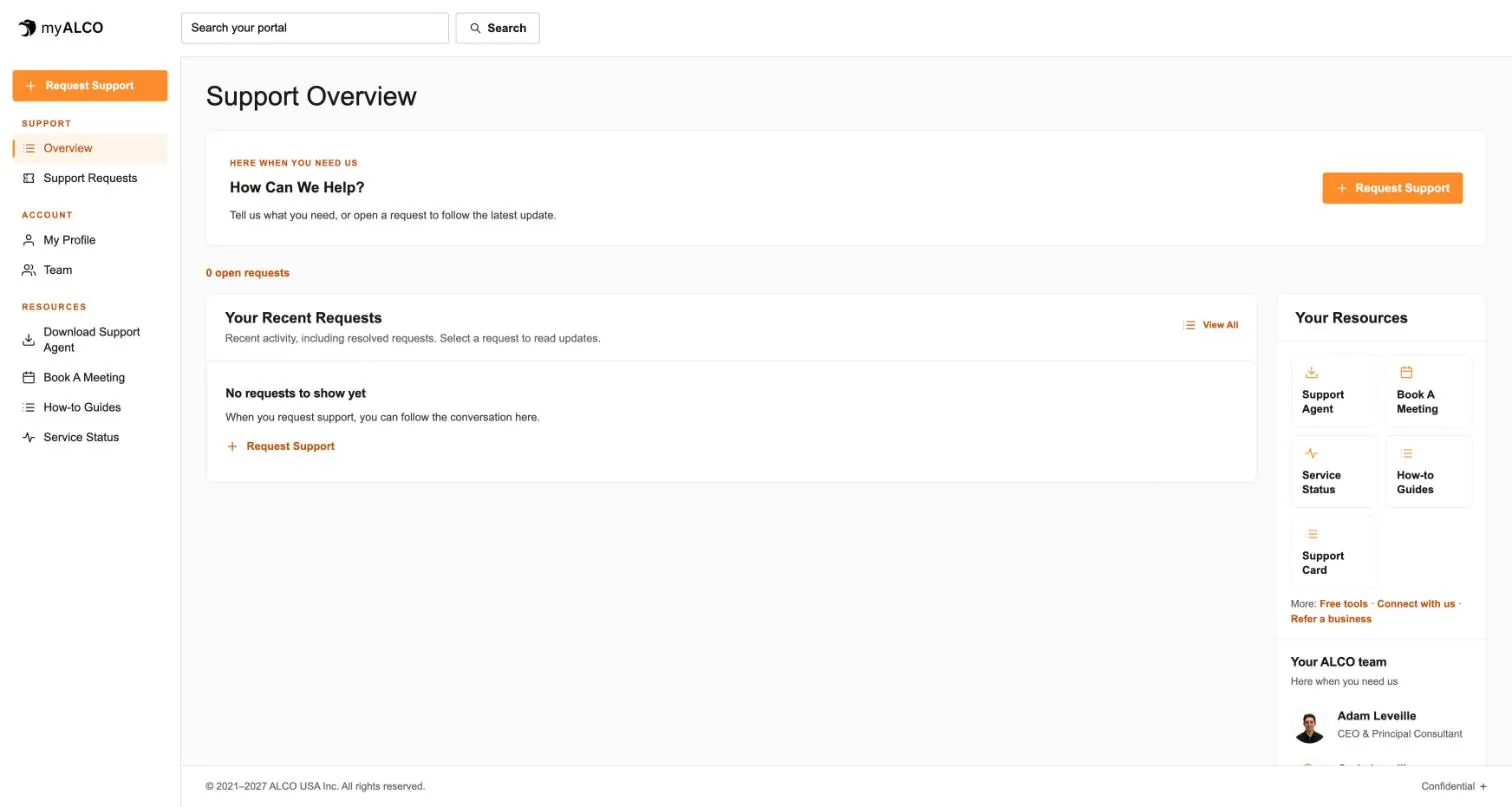
Requests, your team, invoices, documents, shared credentials and sign-in security. One sign-in, any device. Take the tour.
Tour myALCO - New · Our work
See the sites we have built.
A newspaper rebuilt headless, a parts storefront, two Boise nonprofits and our own site. Every screenshot is the full page, scrolling live.
Browse our work



Clients we’ve worked with
We’ve worked with businesses, nonprofits and community organizations on managed hosting, website development and everyday IT support. These are some of the current and past clients we’ve supported, each with different systems, priorities and people. Explore their stories to see what working with ALCO looks like.