- Nightly
- backups for everything ALCO hosts, kept off-site
- Tested
- restores on a schedule, results written down
- 2
- copies at least, one away from the source
- Written
- recovery steps, so a bad day has a plan
What is included.
What ALCO does for you under backup, in plain terms.
Automated, off the machine
Backups run on their own, every night at least, and land somewhere the source machine and its credentials cannot reach.
Immutable or separated copies
Where ransomware is the worry, a copy is locked so nobody, including an attacker with your password, can change or delete it inside the window.
Microsoft 365 and Google Workspace
Mail, OneDrive, SharePoint, Drive and shared drives backed up outside the provider. Microsoft and Google keep the service up; they do not keep your deleted mailbox.
Laptops and desktops
The documents folder on the sales manager's laptop is company data too. Endpoints are backed up quietly in the background.
Agreed recovery objectives
How much data you can lose and how long you can be down, decided per system, written down, and matched to a design that can meet it.
Scheduled test restores
A green job light is not a restore. We restore real files and systems on a schedule, time it, and record what worked and what did not.
A recovery runbook
Step by step, in what order, with whose credentials and from which copy. Kept where you and we can both read it when the office is dark.
Hosting included
Every site and application on the ALCO server is backed up nightly and the copies kept off-site, as standard.
Someone to call
Deleted the wrong folder at 4:55 PM? Call the help desk. Restores are a request, not a project.
How it works.
Four steps, each one written down as we go.
- 1
Rank what must come back
We list your systems and data with you, and decide for each how much loss and how much downtime is acceptable.
- 2
Protect it
Jobs, retention, encryption, off-site and immutable copies and alerting are set up. Then we do a first restore to prove it, not just watch the job finish.
- 3
Test on a schedule
Restores of real files and systems, timed and recorded. Gaps go on the list and get fixed.
- 4
Keep it current
New systems get added, old ones retired, and the runbook is reviewed each quarter with you.
Who this is for.
The one-copy business
Your only backup is a drive plugged into the server, or the cloud provider's own recycle bin. That is one failure away from nothing.
Insurers and customers asking
Cyber insurance forms and client questionnaires now ask for separated, tested, immutable backups. This is how you answer yes.
Anyone who has been hit before
Ransomware, a dead RAID, a leaver who emptied a shared drive. You know what it costs; this is the plan for next time.





Questions people ask.
Is Microsoft 365 or Google Workspace not already backed up?
The service is resilient; your data in it is not backed up for you. Deleted items age out, retention policies are not restores, and a compromised account can empty a mailbox. We back it up separately.
How often do you test?
On a schedule we agree per system, typically quarterly for the important ones, and every restore we do for a real request counts as evidence too. You can see the results.
Where are the copies kept?
Off the source machine and, for ALCO-hosted systems, off-site in the United States. For other systems we agree the destination with you and write it in the plan.
What does disaster recovery add to backup?
Backup is the copy. Disaster recovery is the order you bring things back in, where you run them while the office is down, who does what, and how long it takes. We write that down and rehearse it.
Can you take over backups we already have?
Yes. We review what you run, keep what is sound, fix what is not, and add the test restores and the runbook that are usually missing.
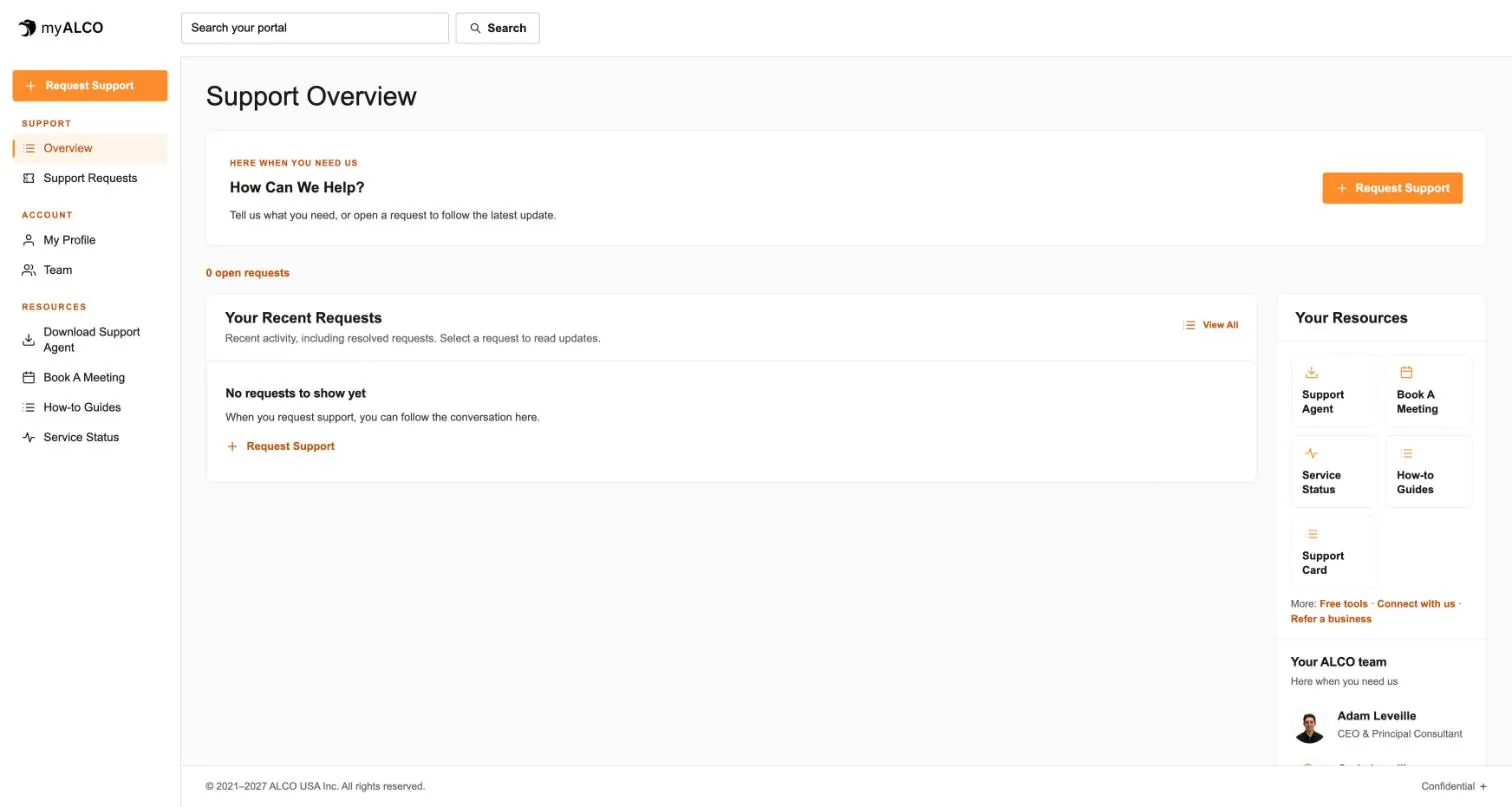
- The client area
Everything ALCO does for you, in one place.
Requests, your team, invoices, documents, shared credentials and sign-in security. One sign-in, any device. Take the tour.
Tour myALCO - New · Our work
See the sites we have built.
A newspaper rebuilt headless, a parts storefront, two Boise nonprofits and our own site. Every screenshot is the full page, scrolling live.
Browse our work
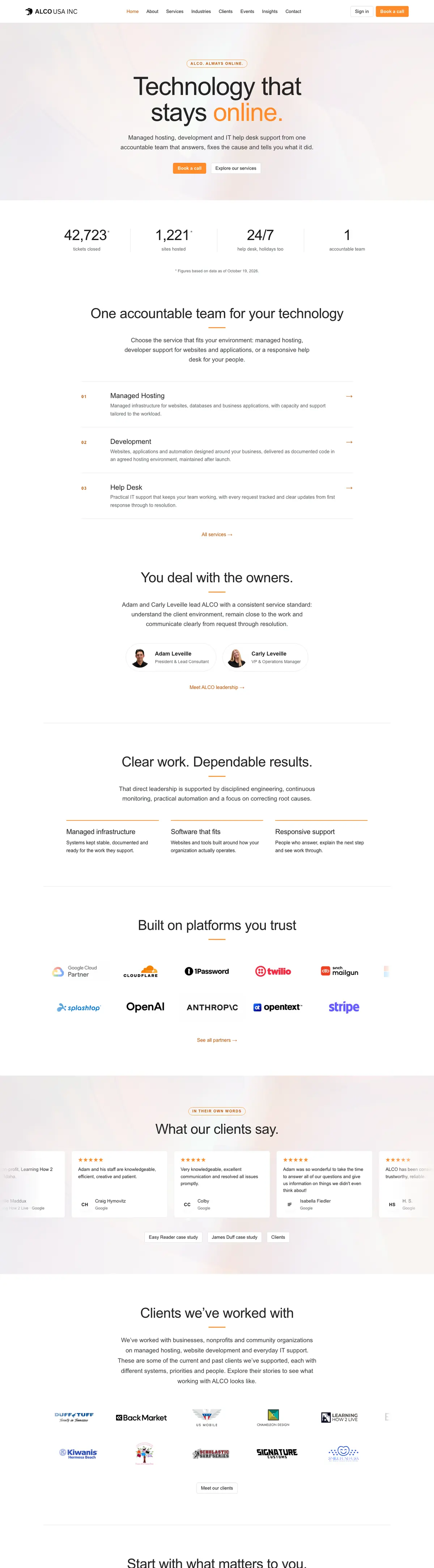


Clients we’ve worked with
We’ve worked with businesses, nonprofits and community organizations on managed hosting, website development and everyday IT support. These are some of the current and past clients we’ve supported, each with different systems, priorities and people. Explore their stories to see what working with ALCO looks like.