- Survey
- before any equipment is ordered
- VLANs
- on every install: staff, guest, devices
- Monitored
- every device, every link, all day
- Documented
- a map, an inventory and the passwords, yours
The install.
From an empty wall to a working network, with ALCO responsible for the whole thing.
- 01
Site survey
We walk the building, measure Wi-Fi coverage, find the circuits and count the devices before anything is quoted.
- 02
Cabling and racks
Structured cabling runs, patch panels, a proper rack or cabinet, labelled and tested, so the next person can follow it.
- 03
Gateway and firewall
A UniFi gateway at the edge: firewall rules, VPN for remote staff, failover to a second internet line where it matters.
- 04
Switches and PoE
Managed switches with power over Ethernet for access points, phones, cameras and door readers. No wall warts.
- 05
Wi-Fi that covers the building
Access points placed from the survey, not guesswork. Separate networks for staff, guests and devices.
- 06
Cameras and door access
UniFi Protect cameras and UniFi Access door readers on the same network and the same console, if you want them.
- 07
Cutover
Staged ahead of time, switched over in a window you choose, with the old gear ready to go back if anything surprises us.
What managed means after the install.
- 01
Monitoring
Every gateway, switch and access point reports in. We see a dropped link or a failing device before your team feels it.
- 02
Updates
Firmware and controller updates tested and applied in maintenance windows, not whenever the vendor feels like it.
- 03
Changes
A new VLAN, a new camera, a guest network for the event on Friday. One help desk request.
- 04
Config backups
Configurations backed up, so a dead switch is a swap and a restore, not a rebuild from memory.
- 05
Security
Firewall rules reviewed, unused ports shut, device isolation for the things that should not talk to each other.
- 06
Documentation
A current map, inventory, addressing and credentials in myALCO. It is your network. You can see it.
Survey, design, install, run.
- 1
Survey
A visit, measurements, a count of what connects, and a conversation about what has been annoying you.
- 2
Design and quote
A drawing, a parts list and a written estimate. We explain every line.
- 3
Install and cut over
Cabling, racks and gear installed, configured and tested, then switched over in your window.
- 4
Monitor and care
Monitoring, updates, changes and the help desk from then on.
A good fit when...
Wi-Fi drops in the back office
Or in the warehouse, or the conference room, every afternoon.
Everything is on one flat network
Guests, printers, cameras, the point of sale and the server all share one trust boundary.
You are moving or opening a site
A new building needs cabling, a rack and a network that works on day one.
Nobody knows the password to the router
The last IT person left. The sticky note did not.




Questions people ask.
Do you do the cabling yourselves?
ALCO manages the whole install. Cabling runs are done by ALCO or by a cabling crew we coordinate, tested and labelled either way. Ask us about your building.
Why UniFi?
One console for the gateway, switches, Wi-Fi, cameras and doors, no per-device license fees, and hardware that has been reliable for our clients. We will use something else if your situation calls for it.
Can you take over a network you did not install?
Yes. We document what is there, back up the configurations, fix the urgent things and put it under monitoring.
Do we own the equipment?
Yes. Hardware is bought in your name or supplied by ALCO and invoiced to you. The configuration and documentation are yours too.
What about the internet line itself?
We work with your provider, and we will recommend a second line where an outage would hurt. The carrier stays a named dependency, not something we pretend to control.
- The client area
Everything ALCO does for you, in one place.
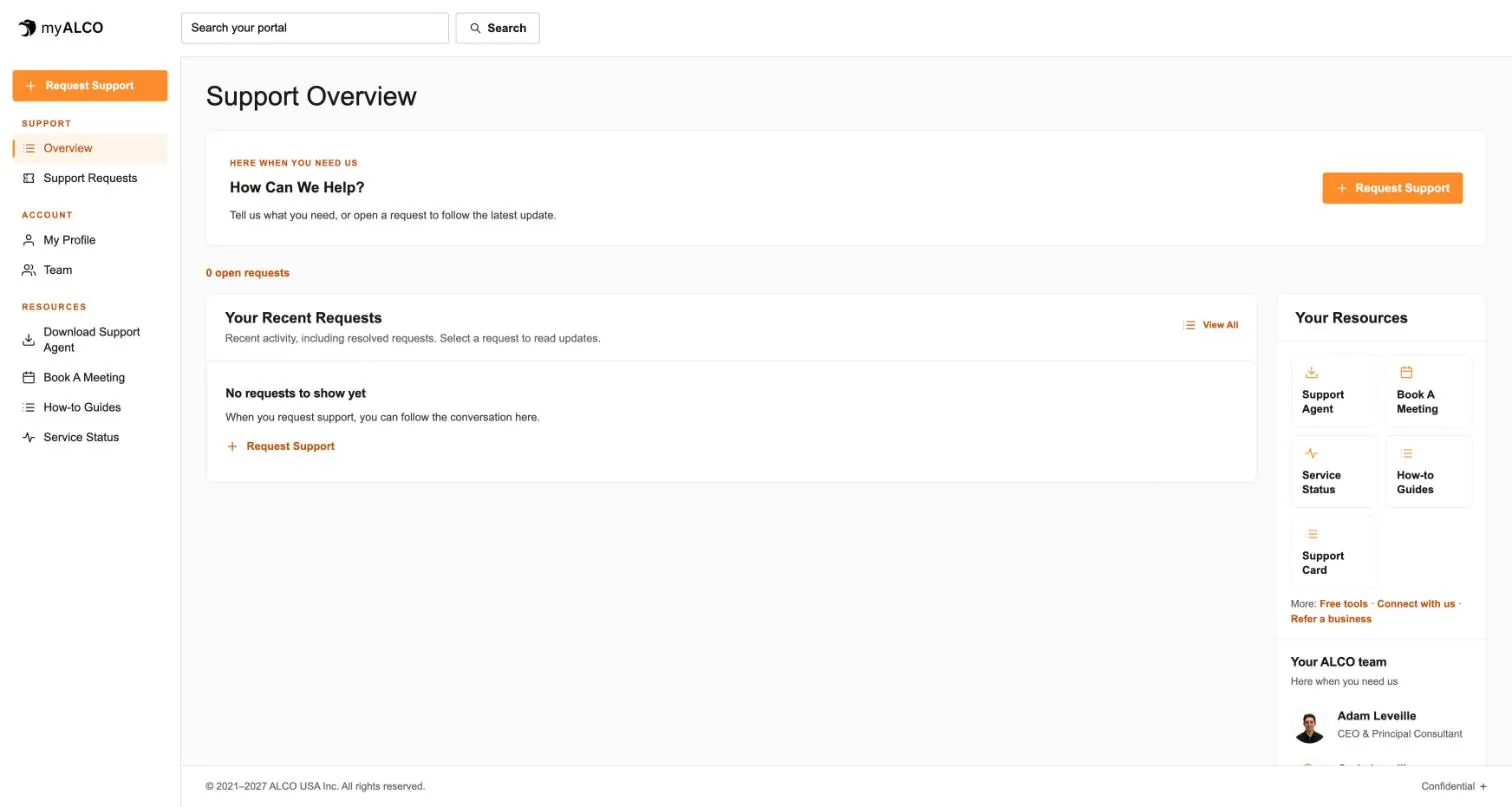
Requests, your team, invoices, documents, shared credentials and sign-in security. One sign-in, any device. Take the tour.
Tour myALCO - New · Our work
See the sites we have built.
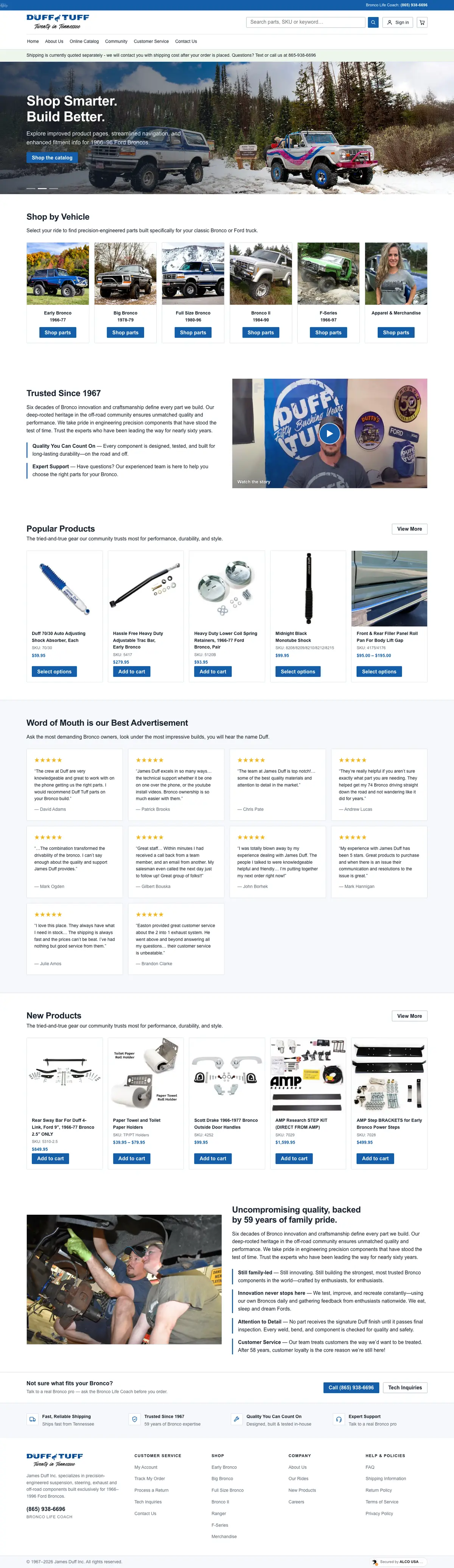
A newspaper rebuilt headless, a parts storefront, two Boise nonprofits and our own site. Every screenshot is the full page, scrolling live.
Browse our work


Clients we’ve worked with
We’ve worked with businesses, nonprofits and community organizations on managed hosting, website development and everyday IT support. These are some of the current and past clients we’ve supported, each with different systems, priorities and people. Explore their stories to see what working with ALCO looks like.