- 1
- console for network, cameras and doors
- 0
- per-device license fees for the core platform
- PoE
- powers access points, cameras and readers
- Managed
- by ALCO engineers, not a dashboard
The UniFi families we install.
Pick what you need. It all lands in the same console.
- 01
Gateways and consoles
UniFi Dream Machine and Cloud Gateway models as the firewall, router and controller. VPN for remote staff, dual-WAN failover, threat management, and the console that runs everything else.
- 02
Switching
UniFi switches from 8 to 48 ports, with PoE to power access points, phones, cameras and door readers, and 10G uplinks where the server room needs them.
- 03
Wi-Fi
UniFi access points for offices, warehouses, outdoor areas and long-range links. Placed from a survey, with separate staff, guest and device networks.
- 04
UniFi Protect cameras
Doorbells, bullets, domes and PTZ cameras recording to your own UniFi storage. No monthly cloud fee to see your own footage. Viewable from the app, with retention you choose.
- 05
UniFi Access door control
Readers, hubs and the UniFi Access app for doors. Badges, PINs and phone unlock, schedules, and a log of who came in when, tied to the same console.
- 06
Remote sites and links
Site-to-site VPN between offices, point-to-point wireless links to the shop across the lot, and small gateways for the home offices of key staff.
What ALCO does with it.
Buying UniFi gear is easy. Designing it well and keeping it right is the work.
- 01
Design
A survey of the building, a coverage plan, a VLAN plan, a parts list and a drawing before anything is ordered.
- 02
Supply and install
Hardware supplied by ALCO or bought in your name, racked, cabled, labelled, adopted and configured. Cut over in your window.
- 03
Monitoring
Every UniFi device reports in. Dropped links, failing access points and unusual traffic reach an ALCO engineer, not just your phone.
- 04
Updates
UniFi firmware and console updates tested and applied in maintenance windows. We do not click "update all" at 2 PM on a Tuesday.
- 05
Guest Wi-Fi and VLANs
Guests on their own network with a captive portal if you want one. Cameras, printers, point of sale and staff each on their own VLAN with firewall rules between them.
- 06
Cameras and access
Protect and Access configured, retention set, users and schedules managed, footage exported when you need it for an incident.
- 07
Changes and support
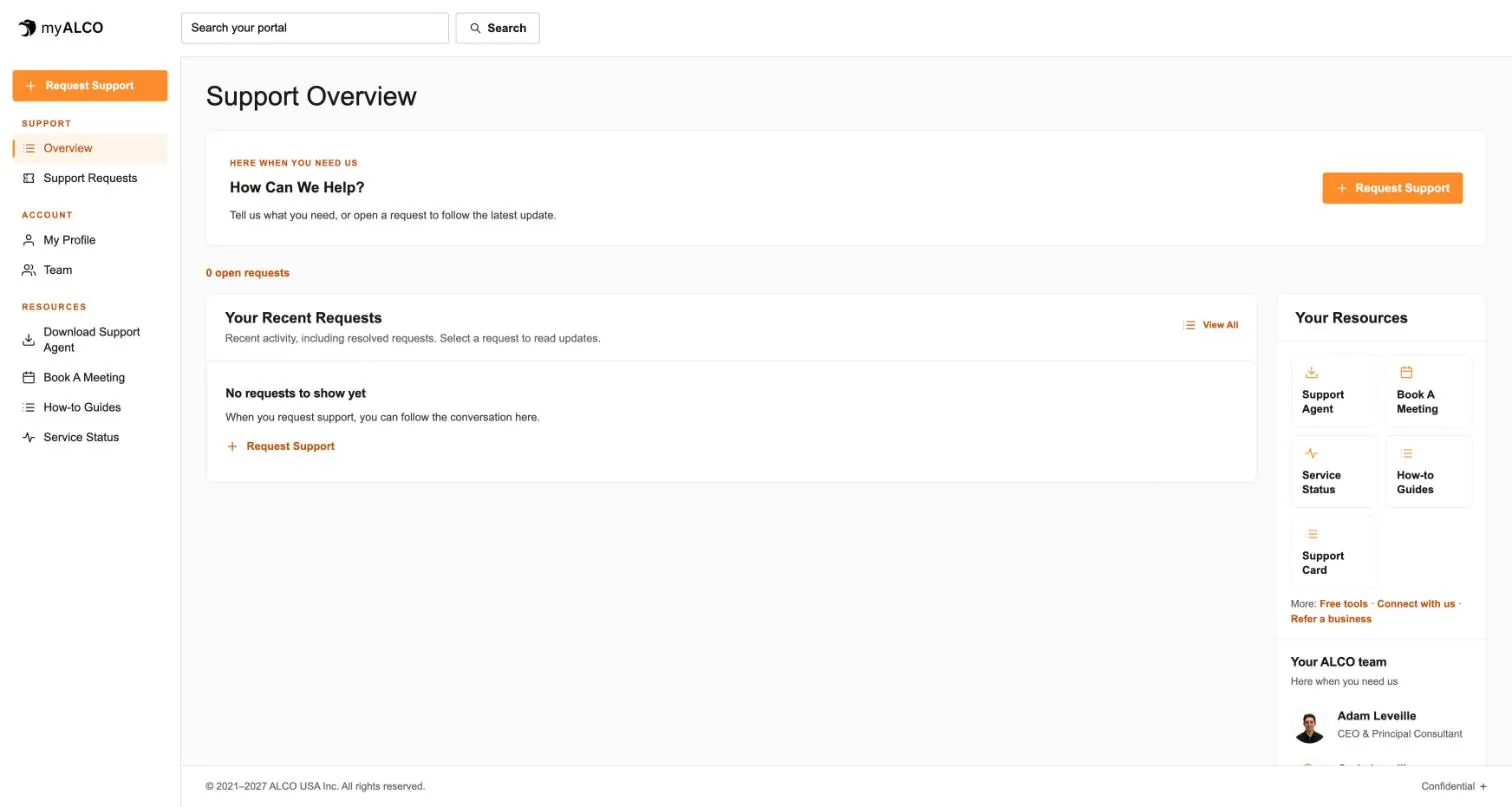
New access point, new door, new site, new VLAN for the new machine. One help desk request, every change logged in myALCO.
- 08
Backups and documentation
Console backups, a current map, inventory and credentials, all yours. If a gateway dies, the replacement is adopted and restored, not rebuilt.
Why clients like UniFi.
One app, one picture
Network, Wi-Fi, cameras and doors in one console and one phone app, instead of four vendors and four logins.
No subscription just to log in
The core UniFi platform has no per-device license. You pay for hardware and for ALCO's care, not for permission to use your own switch.
It scales
Start with a gateway and two access points. Add a switch, then cameras, then a second site, without starting over.
Your footage stays yours
Protect records locally to your own storage. Nobody charges you monthly to look at your own front door.
It looks good
The hardware is tidy enough to mount in a lobby. The app is one your staff will actually open.
Backed by people
When something is wrong, you call ALCO. We know the network because we built it.
From survey to a network you can see.
- 1
Survey
We walk the site, measure coverage, count devices and ask what has been annoying you.
- 2
Design and quote
A drawing, a VLAN plan, a parts list and a written estimate.
- 3
Install and adopt
Rack, cable, mount, adopt, configure, test. Cut over in your window.
- 4
Manage
Monitoring, updates, changes and support from then on, with the console open to you too.
Questions people ask.
Do we need all of it?
No. Most clients start with a gateway, a switch and Wi-Fi. Cameras and door access come later if they are useful. It all joins the same console.
Can we see the console ourselves?
Yes. You get your own login with the access you want. ALCO holds the admin role and the backups so we can be accountable for it.
We already have some UniFi gear. Can you take it over?
Yes. We adopt it into a properly backed-up console, review the settings, update the firmware and put it under monitoring.
Is ALCO an authorized Ubiquiti partner?
ALCO designs, supplies, installs and manages UniFi networks for clients. Ask us and we will tell you exactly how we buy and support the hardware for your project.
Where is the footage stored?
On UniFi storage on your premises, by default. Retention is set to what you need. Off-site copies can be arranged for critical cameras.
What if the internet goes down?
The local network, Wi-Fi, cameras and doors keep working. With dual-WAN, the gateway fails over to the second line automatically.
- The client area
Everything ALCO does for you, in one place.
Requests, your team, invoices, documents, shared credentials and sign-in security. One sign-in, any device. Take the tour.
Tour myALCO - New · Our work
See the sites we have built.
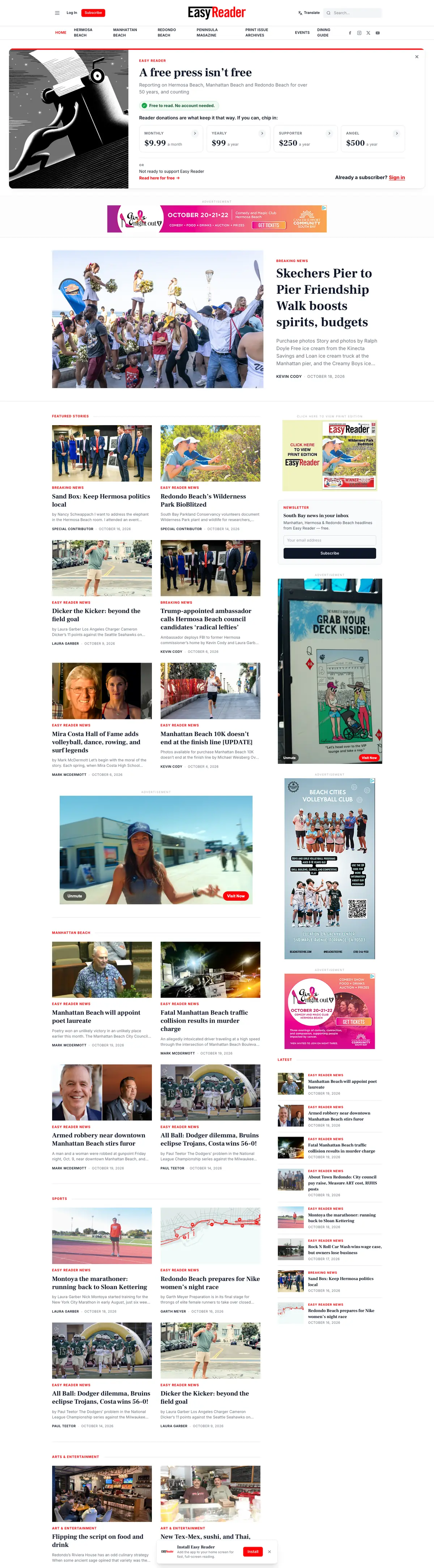
A newspaper rebuilt headless, a parts storefront, two Boise nonprofits and our own site. Every screenshot is the full page, scrolling live.
Browse our work


Clients we’ve worked with
We’ve worked with businesses, nonprofits and community organizations on managed hosting, website development and everyday IT support. These are some of the current and past clients we’ve supported, each with different systems, priorities and people. Explore their stories to see what working with ALCO looks like.