- Day 1
- a new hire's device is ready before they are
- 1
- set of policies for every device, no favours
- Minutes
- to lock or wipe a lost phone or laptop
- 24/7
- help desk when a device misbehaves
What is included.
What ALCO does for you under device management, in plain terms.
Enrolment that needs no IT visit
Windows and Android through Intune, Apple devices through Apple Business Manager. A new laptop or phone is shipped to the person, they sign in, and it sets itself up.
Policies, not reminders
Disk encryption, screen lock, passcode rules, firewall and the settings your insurer asks about, applied to every device and reported on. Nobody has to remember.
Updates on a schedule
Operating system and app updates roll out in rings, with a window you approve, so a bad patch hits two devices, not forty.
Apps where they belong
Microsoft 365 or Google Workspace, your line-of-business apps and the browser extensions you rely on, installed and kept current. Unwanted software blocked.
Lost, stolen or leaving
A lost phone is locked and located, then wiped if it does not come back. A leaver's device is wiped or returned the same day, with company data gone and personal data left alone.
Bring your own device, safely
Staff who use their own phone get company mail and apps in a managed container. You can remove the company part without touching their photos.
The lifecycle
Purchase, enrol, assign, repair, reassign, retire. Each device has an owner, a warranty date and a record in myALCO, so replacements are planned, not panicked.
Compliance reporting
A device that falls out of line, encryption off, update missing, no passcode, shows up on our board and is fixed or blocked from company data until it is.
People who answer
"My laptop wants a BitLocker key." "Why can't I install this?" Your team calls the help desk and a person sorts it out.
How it works.
Four steps, each one written down as we go.
- 1
Inventory
We list every device that touches company data, who has it, what platform, and whether it is managed at all. You get the list.
- 2
Baseline
We agree the policies with you: encryption, passcodes, updates, apps, what BYOD staff get. Then we build them in Intune and Apple Business Manager.
- 3
Enrol
Existing devices enrol in small groups, with the help desk standing by. New devices arrive already enrolled.
- 4
Run it
From then on ALCO watches the board, pushes updates, handles joiners and leavers and answers the calls.
Who this is for.
Teams with laptops and phones everywhere
Remote and hybrid staff, field crews, anyone whose device is never in the office to be looked at.
Businesses that must prove it
Insurers, HIPAA, PCI and client questionnaires all ask whether devices are encrypted and managed. This is how you answer yes with evidence.
Anyone who has lost a laptop
Once is enough. The next one is locked and wiped before lunch.





Questions people ask.
Do we have to be on Microsoft 365?
No. Intune comes with most Microsoft 365 business plans, which makes it the natural choice there. Apple devices are enrolled through Apple Business Manager either way, and Google Workspace clients get managed Chrome and mobile management too.
Will you see our staff's personal data?
No. Management covers settings, company apps and company data. Personal photos, messages and apps on a personal phone are outside the managed part and we cannot read them.
What happens when someone leaves?
Their account is blocked, the device is locked remotely, company data is removed, and we arrange the return or a full wipe. All on the day they leave, logged in myALCO.
Can you manage the devices we already have?
Yes. Existing Windows, Mac, iPhone, iPad and Android devices enrol without being reset, in most cases. Where a reset is needed we tell you first.
Who owns the Intune or Apple Business Manager account?
You do. ALCO administers it. If you ever leave, the devices and the configuration stay yours.
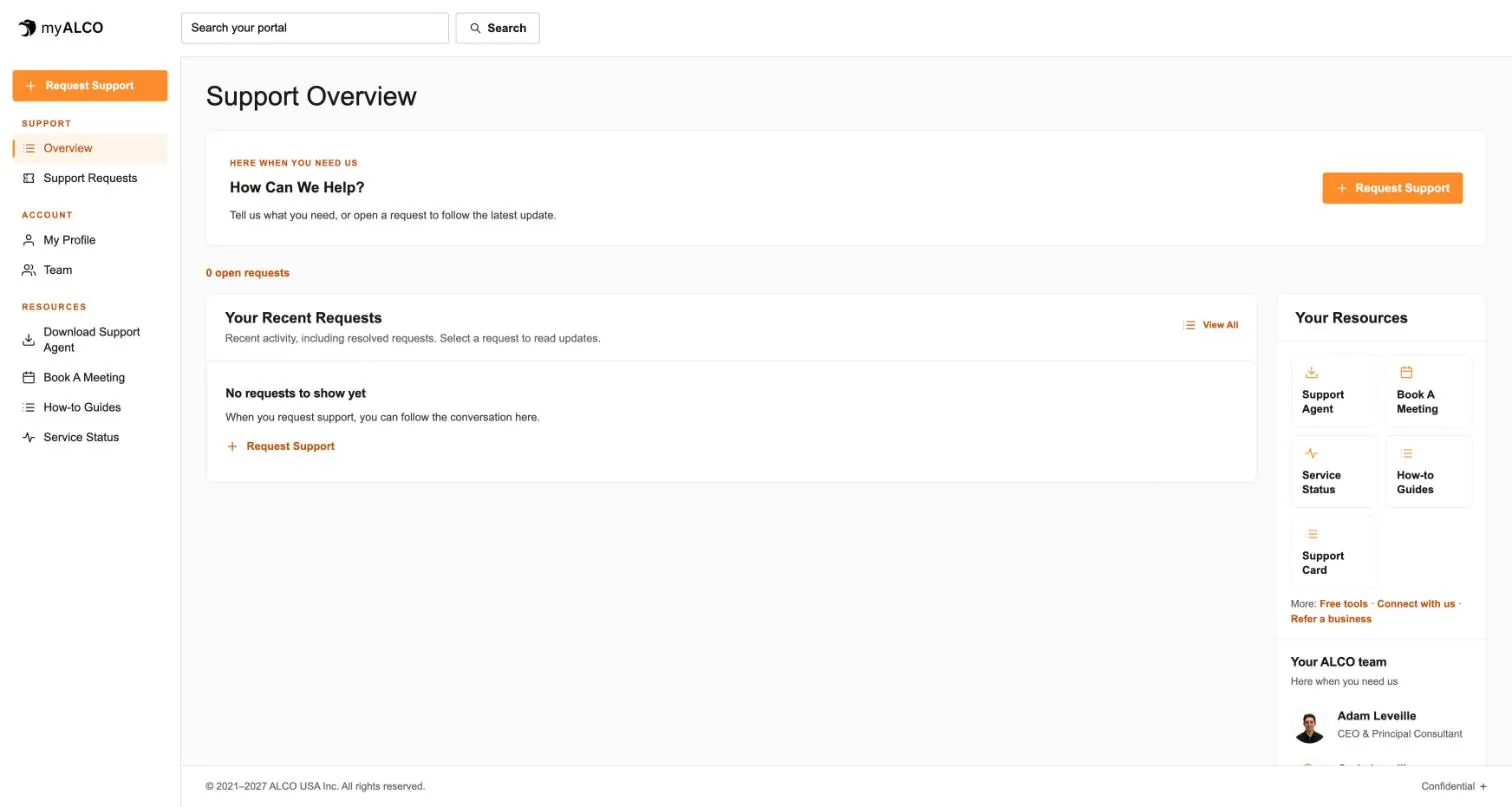
- The client area
Everything ALCO does for you, in one place.
Requests, your team, invoices, documents, shared credentials and sign-in security. One sign-in, any device. Take the tour.
Tour myALCO - New · Our work
See the sites we have built.
A newspaper rebuilt headless, a parts storefront, two Boise nonprofits and our own site. Every screenshot is the full page, scrolling live.
Browse our work
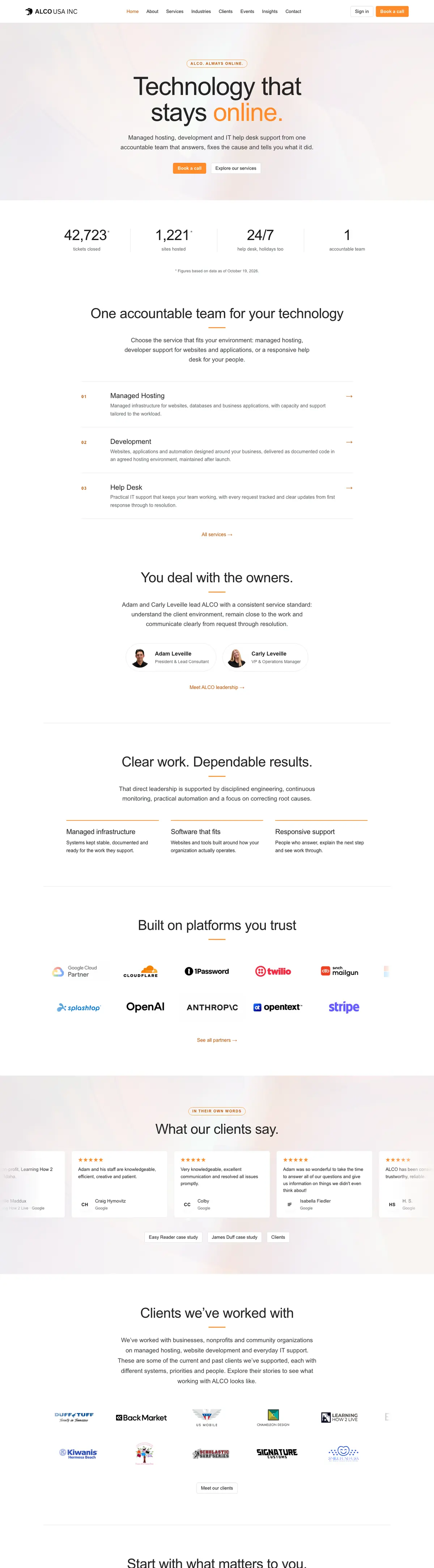


Clients we’ve worked with
We’ve worked with businesses, nonprofits and community organizations on managed hosting, website development and everyday IT support. These are some of the current and past clients we’ve supported, each with different systems, priorities and people. Explore their stories to see what working with ALCO looks like.