- Stop
- using the device: that is step one
- Copy
- first; we never work on the original
- Straight
- answer on what is and is not possible
- Backups
- set up afterwards, so there is no next time
What is included.
What ALCO does for you under data recovery, in plain terms.
Deleted and lost files
Emptied recycle bins, formatted drives, folders that vanished from a shared drive, versions overwritten. Often recoverable if the drive has not been used much since.
Drives that have failed
Hard drives and SSDs that are not recognised, click, or hang. We image what can be read, sector by sector, and rebuild files from the image.
Laptops and desktops that will not boot
The data is usually fine even when Windows or macOS is not. We pull it off, then fix or replace the machine.
Phones, tablets and memory cards
Photos and documents from devices and cards, where the storage still responds.
Cloud and email accounts
Mail, Drive and OneDrive data recovered from retention, backups or version history before the window closes. Act fast; these expire.
Ransomware and corruption
Clean copies found in backups, shadow copies and cloud versions, and damaged files repaired where a tool exists.
Specialist labs when needed
Physically damaged drives, burnt boards, water damage: we tell you straight away, help you choose a clean-room lab and handle the hand-off.
Privacy
Your data is seen only by the person doing the recovery, on a system that is not connected to anything it need not be, and the working copy is wiped afterwards.
Then, backups
Every recovery ends with the conversation about how to never need one again. We set it up if you want us to.
How it works.
Four steps, each one written down as we go.
- 1
Stop and call
Power the device off and do not install recovery software on it; every write can overwrite what you want back. Call the help desk.
- 2
Assess
We look at the device, say what is likely recoverable, what it will cost, and whether a lab is the right route. No work starts without your go-ahead.
- 3
Image and recover
A read-only copy first, then recovery from the copy. You get a list of what came back and what did not.
- 4
Return and protect
Files delivered on a new drive or into your cloud account, checked with you, and backups put in place.
Who this is for.
The business with no backup
The accounting file was only on that machine. Call before anyone tries anything.
Someone who deleted the wrong thing
A folder, a mailbox, a shared drive. The clock is running; the sooner we look, the better the odds.
Families and sole traders
Years of photos on a drive that stopped. We treat it with the care it deserves and tell you the truth about the odds.



Questions people ask.
Can you recover everything?
No, and nobody honest will promise that. Logical problems, deletions, formats, corrupt systems, usually recover well. Physical failures depend on the damage. We tell you our assessment before any paid work starts.
Should I try free recovery software first?
Not on the affected drive. Installing or writing anything to it can overwrite what you want back. If you must try, image the drive first or call us.
What does it cost?
The assessment is quick and we quote in writing before recovery starts. Lab recovery for physically damaged drives costs more and we tell you that up front rather than after.
Is my data private?
Yes. One technician, an offline working system, a written record, and the working copy wiped when you have confirmed the return. We will sign your confidentiality agreement if you have one.
The drive is clicking. What now?
Power it off now and leave it off. Clicking usually means a mechanical fault, and every spin can make it worse. That one is likely a lab job, and we will help you with it.
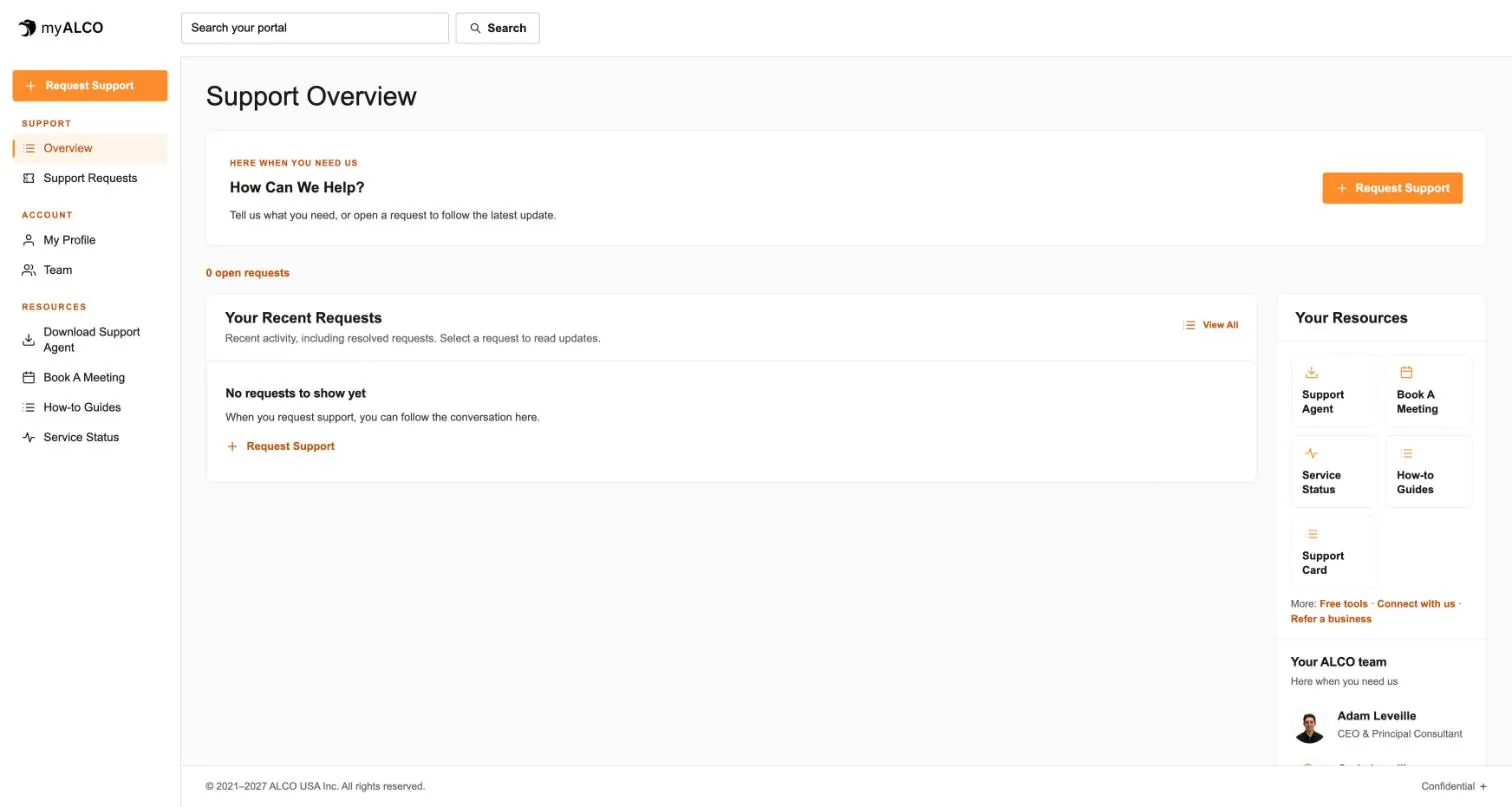
- The client area
Everything ALCO does for you, in one place.
Requests, your team, invoices, documents, shared credentials and sign-in security. One sign-in, any device. Take the tour.
Tour myALCO - New · Our work
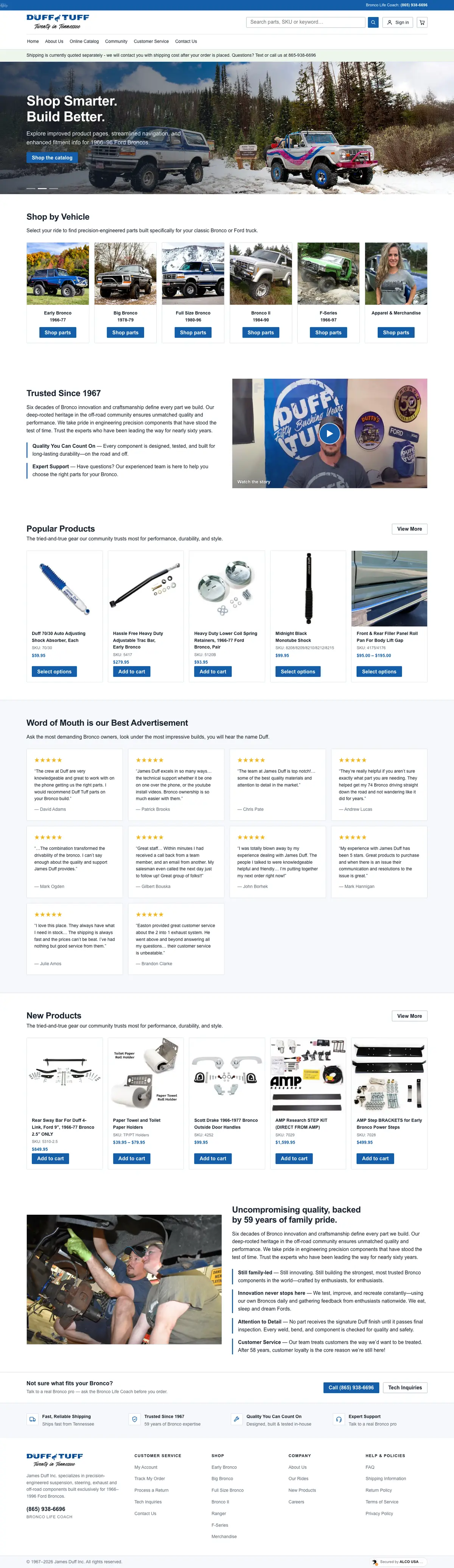
See the sites we have built.
A newspaper rebuilt headless, a parts storefront, two Boise nonprofits and our own site. Every screenshot is the full page, scrolling live.
Browse our work


Clients we’ve worked with
We’ve worked with businesses, nonprofits and community organizations on managed hosting, website development and everyday IT support. These are some of the current and past clients we’ve supported, each with different systems, priorities and people. Explore their stories to see what working with ALCO looks like.