The quiet agent on every managed computer.
Level is the remote monitoring and management platform behind the ALCO support agent. It watches health, applies updates and lets the help desk fix things before you notice.

- Health and inventoryYour computers → Level → ALCO
- Updates and fixesALCO → Level → your computers
- Something is wrongLevel alert → a person at ALCO

- ALCO support agent
- Monitoring
- Patching
- Alerts to the help desk
What Level.io is.
Level.io is a remote monitoring and management (RMM) platform. A small agent on each computer reports health and takes instructions from the people who look after it.
It is how a help desk looks after hundreds of machines without visiting each one: patches, scripts, alerts and a secure remote session when needed.
How it works for us.
- 01
The ALCO support agent
The agent clients install from our site runs on Level. It inventories the machine, watches disk, memory, updates and security, and reports to our help desk.
- 02
Patching and routine fixes
Operating system and application updates are scheduled and applied by ALCO through Level. Common faults are fixed by scripts we wrote, with a person reviewing the result.
- 03
Alerts with a human on the end
A failing disk or a machine that missed its updates raises an alert in our queue. A person at ALCO reads it and acts.
Our role.
What ALCO is to Level.io, and what it is not.
- 1
Operator of the platform
ALCO runs the Level tenant, writes the policies and scripts, and is accountable for what the agent does on your machines.
- 2
Customer
ALCO is a Level.io customer. We claim no partner tier or certification.
- 3
Installed with your say-so
The agent goes on company devices you ask us to manage, and it comes off the day you ask us to remove it.
What it means for you.
Problems caught early
Most hardware failures announce themselves weeks ahead. The agent hears it; you get a replacement before the crash.
Updates that happen
Patching is scheduled around your day, so no more "later" that never comes.
Faster help
When you call, we already know the machine, its software and what changed.












Questions people ask.
What can the agent see?
Hardware, installed software, update status, performance and security state. It does not read your files, email or messages.
Can ALCO connect to my computer without asking?
Remote sessions for support are started when you ask for help and with your knowledge. Unattended access is only used on servers and devices you have agreed to in writing.
How do we remove it?
Ask the help desk. The agent uninstalls cleanly and the device drops out of monitoring the same day.
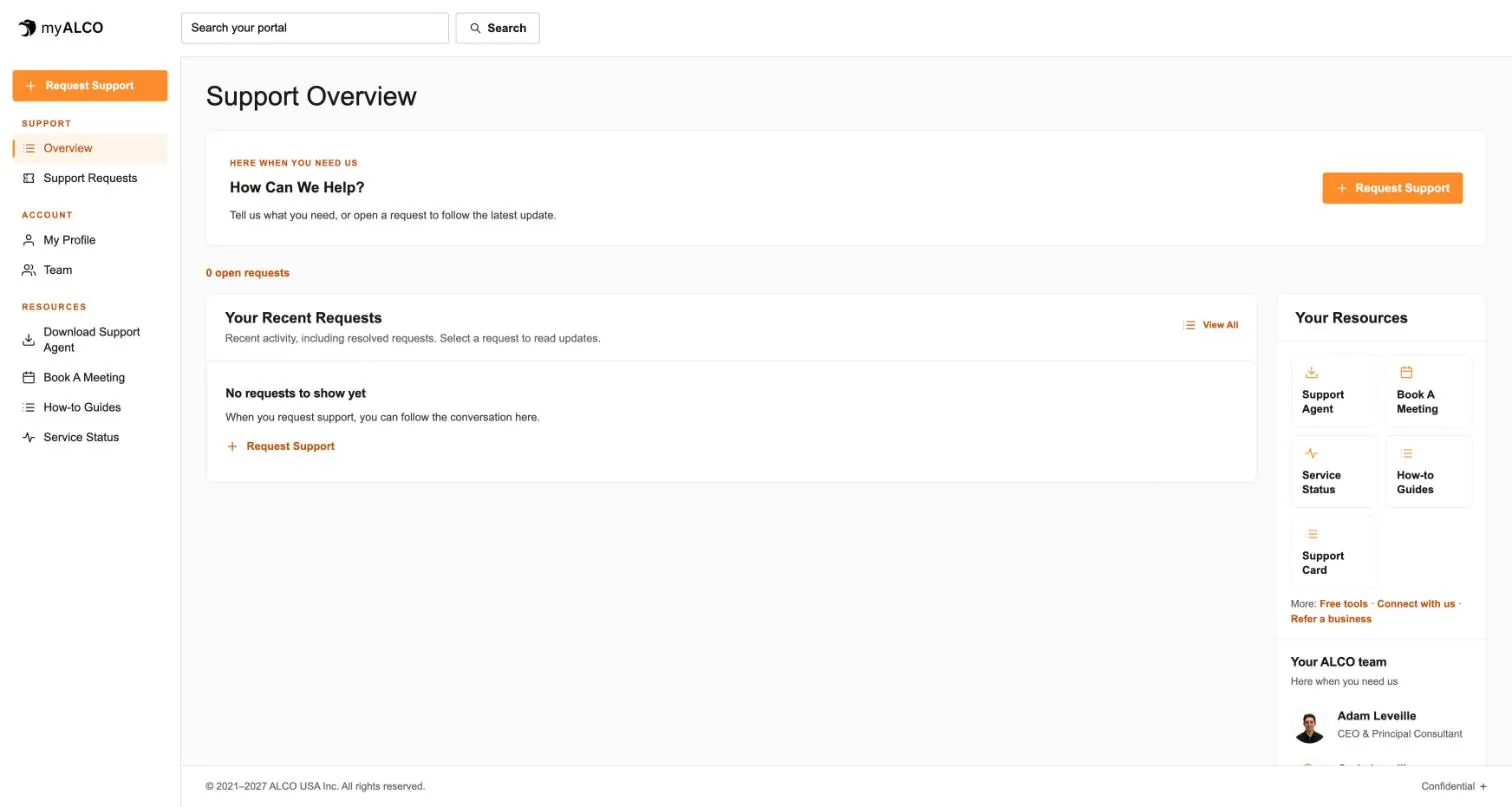
- The client area
Everything ALCO does for you, in one place.
Requests, your team, invoices, documents, shared credentials and sign-in security. One sign-in, any device. Take the tour.
Tour myALCO - New · Our work
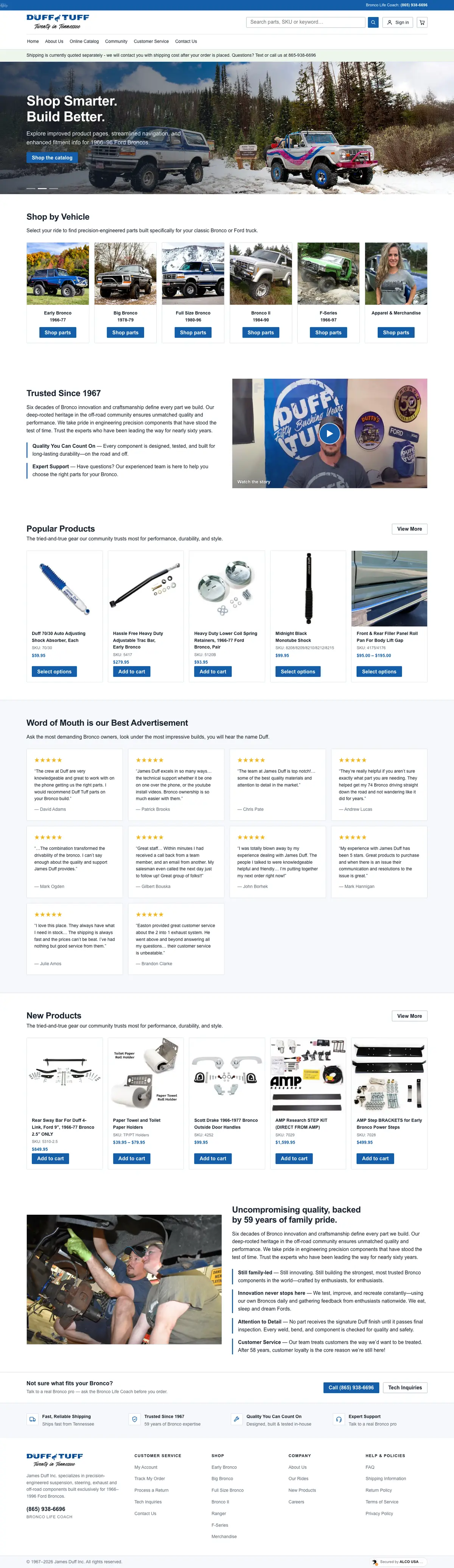
See the sites we have built.
A newspaper rebuilt headless, a parts storefront, two Boise nonprofits and our own site. Every screenshot is the full page, scrolling live.
Browse our work


Clients we’ve worked with
We’ve worked with businesses, nonprofits and community organizations on managed hosting, website development and everyday IT support. These are some of the current and past clients we’ve supported, each with different systems, priorities and people. Explore their stories to see what working with ALCO looks like.